Core Web Vitals in 2026: A Practical SEO and Conversion Optimization Guide
Learn how to diagnose and improve LCP, INP and CLS with a practical workflow that connects Core Web Vitals to SEO, usability and conversion performance.

Website speed is easy to discuss badly.
Teams often chase a Lighthouse score of 100, remove useful features, and celebrate a laboratory result that does not match how real visitors experience the site.
A better approach is to focus on Core Web Vitals as user-experience metrics, then connect technical fixes to business outcomes such as engagement, leads and conversions.
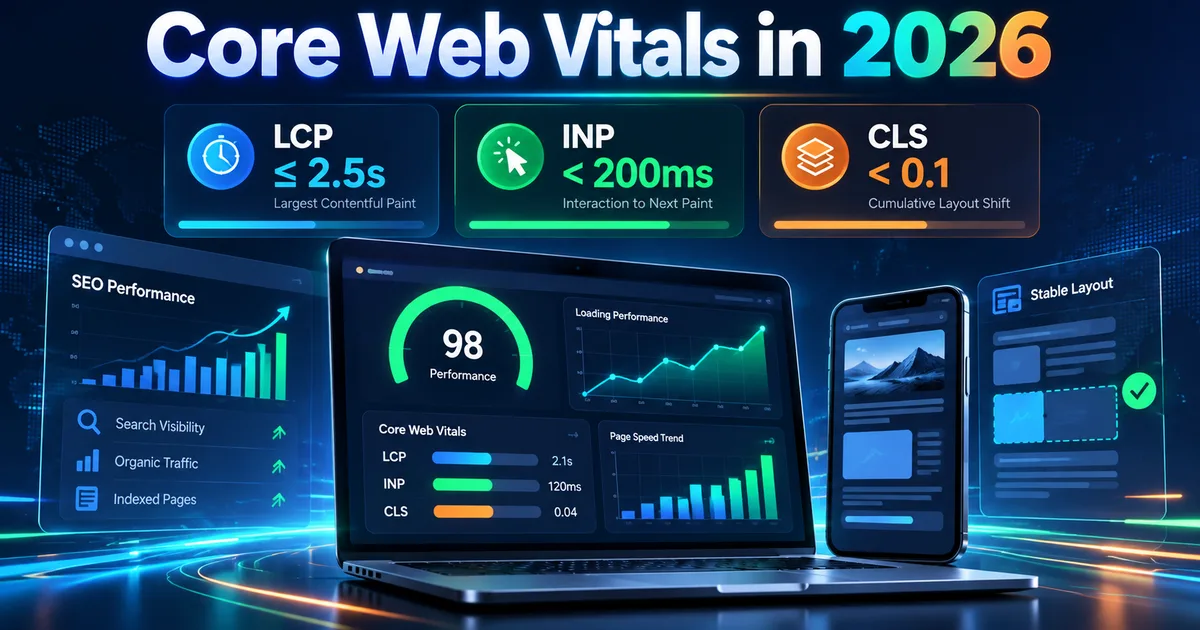
Google currently defines the three Core Web Vitals as:
- LCP: Largest Contentful Paint, which measures loading performance.
- INP: Interaction to Next Paint, which measures responsiveness.
- CLS: Cumulative Layout Shift, which measures visual stability.
Google recommends good thresholds of LCP within 2.5 seconds, INP below 200 milliseconds and CLS below 0.1.
See Google's Core Web Vitals documentation.
Why Core Web Vitals matter in 2026
Core Web Vitals matter for two reasons.
First, they measure things users can feel. A slow hero image, a button that reacts late or a layout that jumps while someone is clicking creates friction.
Second, Google says Core Web Vitals are used by its ranking systems, while also making clear that good scores do not guarantee top rankings. Page experience should be treated holistically rather than as a single ranking switch.
That distinction is important: performance work should make the site better for users even if rankings do not change immediately.
LCP: how quickly the main content becomes visible
Largest Contentful Paint usually represents the largest meaningful element visible in the initial viewport.
Common LCP elements include:
- Hero images.
- Large text blocks.
- Banner graphics.
- Video poster images.
- Large background images.
Common LCP problems
- Oversized images.
- Slow server response.
- Render-blocking CSS.
- Web fonts delaying text rendering.
- Hero assets loaded late through JavaScript.
- Too many third-party scripts in the head.
Practical LCP fixes
Optimize the hero asset
Use an appropriate modern format such as WebP or AVIF where practical. Resize the source image close to the rendered dimensions instead of sending a 4000px image to a 1200px container.
Give the browser an early hint
For the true LCP image, consider fetchpriority="high" or a preload when appropriate. Do not mark every image as high priority because that defeats the purpose.
Avoid lazy-loading the hero
Lazy loading is excellent for below-the-fold content. It is usually wrong for the primary above-the-fold image.
Reduce critical CSS and JavaScript
The browser cannot paint quickly if it spends the first seconds parsing unnecessary code.
INP: how responsive the site feels
INP measures the latency of user interactions across the page.
A site can load quickly and still feel slow if clicks, taps or keyboard input wait behind long JavaScript tasks.
Common INP problems
- Large JavaScript bundles.
- Heavy animation loops.
- Expensive event handlers.
- Third-party scripts.
- DOM operations that trigger repeated layout calculations.
- Client-side rendering that does too much work after every interaction.
Practical INP fixes
Remove unnecessary continuous work
Custom cursors, mouse-follow effects, particle systems and complex animation loops can look impressive while consuming main-thread time.
Ask whether the effect improves the user's goal. If not, simplify it.
Break long tasks
If a large task blocks the main thread, split it into smaller work units so the browser can respond to interaction between them.
Defer non-critical scripts
Analytics, widgets and secondary integrations do not always need to execute before the main content becomes interactive.
Reduce event-handler scope
Do not attach expensive work to every mousemove or scroll event unless the experience truly needs it. Use throttling, passive listeners or native CSS effects where possible.
CLS: stop the page from jumping
CLS measures unexpected layout movement.
Typical causes include:
- Images without dimensions.
- Ads inserted into space that was not reserved.
- Fonts that change text dimensions after load.
- Banners injected above existing content.
- Components that expand asynchronously.
Practical CLS fixes
Set width and height attributes on images or use CSS aspect-ratio so the browser can reserve space.
Reserve predictable containers for ads before they load. This becomes especially important once AdSense is active.
Avoid injecting cookie banners or promotional bars in a way that pushes the entire page after the user starts reading.
Field data versus lab data
This distinction prevents a lot of wasted work.
Lab data
Tools such as Lighthouse test a controlled environment. Lab data is excellent for debugging.
Field data
Field data is collected from real users. Search Console's Core Web Vitals report uses real-world data where sufficient data is available.
A page can perform well in Lighthouse and poorly for real users on slower devices or networks.
Use both:
- Field data to identify the real problem.
- Lab data to reproduce and debug it.
- Field data again to confirm the fix over time.
A practical performance audit workflow
Step 1: Check the template types
Test more than the homepage.
For a content site, sample:
- Homepage.
- Blog index.
- Long article.
- Policy page.
- Image-heavy article.
A fast homepage does not guarantee a fast blog template.
Step 2: Identify the largest assets
List:
- Hero images.
- JavaScript bundles.
- CSS files.
- font files.
- third-party scripts.
Sort by transfer size and execution cost.
Step 3: Find work happening before the user needs it
Look for:
- 3D libraries.
- sliders.
- custom cursor code.
- analytics.
- chat widgets.
- marketing tags.
Ask whether each item must load immediately.
Step 4: Fix one bottleneck at a time
Do not change ten systems at once if you want to know which fix mattered.
Step 5: Validate visually
Performance optimization can break layouts. Check desktop and mobile after each change.
Performance and conversion optimization
A performance improvement is most valuable when it removes friction from a conversion path.
Track:
- Contact form completion rate.
- CTA click rate.
- Trial starts.
- Bounce or engagement metrics.
- Scroll depth.
- Return visits.
If you want a broader conversion framework, read Website Conversion Rate Optimization.
Performance and AdSense
AdSense itself can add scripts and ad rendering work, so a site should be reasonably efficient before ads are introduced.
Google's page experience guidance asks publishers to avoid excessive ads that distract from the main content and to make the main content easy to distinguish. That is especially relevant after approval.
Reserve ad space to reduce layout shift and avoid placing so many ads above the fold that the article becomes secondary.
Do not optimize for a perfect score
A perfect Lighthouse score is not the business objective.
If a useful product demo costs a small amount of performance but materially improves understanding, it may be worth keeping.
Google's own page experience documentation warns against focusing on a perfect score just for SEO. The goal is a good overall user experience.
A practical priority order
For most content and SaaS sites, prioritize:
- Oversized above-the-fold images.
- Blocking JavaScript.
- Heavy third-party scripts.
- Continuous animation work.
- Layout shifts from images and ads.
- Font loading.
- Below-the-fold media.
This order often produces more visible improvement than micro-optimizing small CSS rules.
Final takeaway
Core Web Vitals are useful because they translate technical behavior into user-facing outcomes.
LCP asks whether the main content appears quickly. INP asks whether the page reacts when a person interacts. CLS asks whether the layout stays stable.
Treat those metrics as diagnostic tools, not trophies. Fix the bottlenecks that users actually feel, test across real page templates, and measure whether the improved experience helps engagement and conversion.
References
- Google Core Web Vitals documentation
- Google page experience guidance
- Google technical SEO guidance
- Google generative AI optimization guide
Co-Founder of Strat IQ Digital and builder of CrawlerQue and Stratly Digital, based in West Palm Beach, FL. I work on AI products, SaaS, SEO intelligence, CRM automation and growth systems.