CRM Data Hygiene: Build Clean Lead Lifecycles, Ownership and Reporting
A practical CRM data hygiene framework covering deduplication, lifecycle stages, source fields, ownership, validation, audit history and reporting quality.

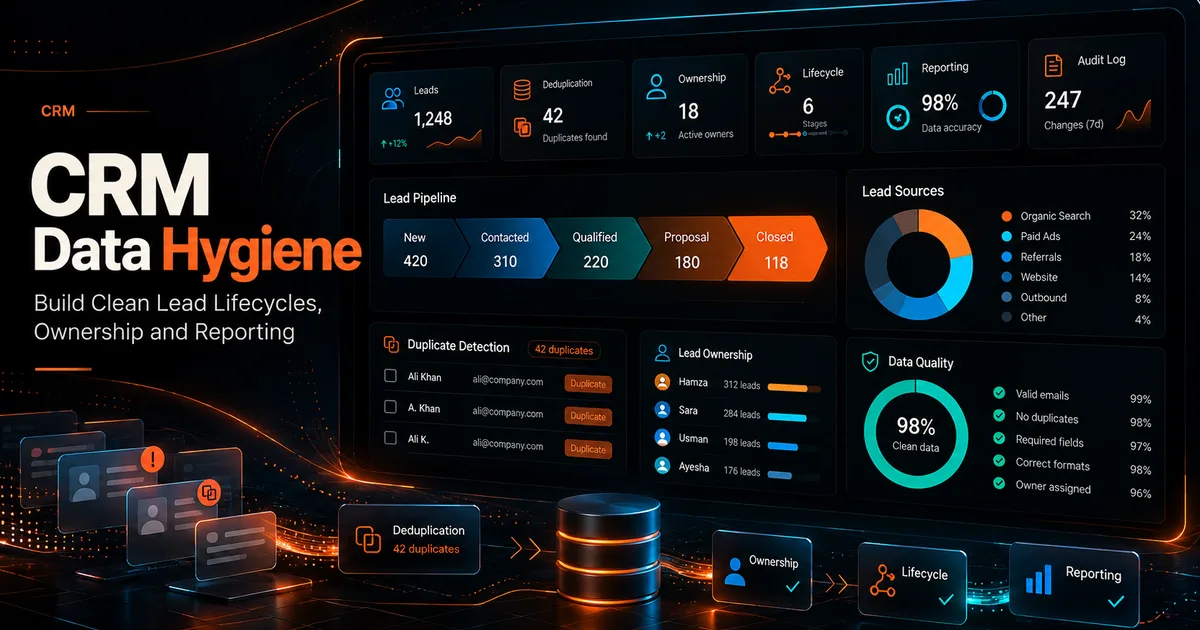
CRM automation cannot fix a data model nobody trusts.
When duplicate contacts, inconsistent stages, missing owners and overwritten source fields accumulate, automation makes the problem move faster. Reports become arguments about definitions instead of tools for decisions.
The foundation of a useful CRM is not the dashboard. It is a small set of fields with clear ownership and rules.
Define the lifecycle before automating it
Start with a simple lifecycle that matches the real business process.
For example:
- New lead
- Contacted
- Qualified
- Proposal or opportunity
- Won
- Lost
- Nurture
Do not create 18 stages because the CRM allows it.
Each stage needs an entry rule and an exit rule.
Example:
Qualified means the team confirmed the prospect fits the service, has a real need and agreed to a next step.
That definition is more useful than a stage name alone.
Separate lifecycle from activity
"Called twice" is not a lifecycle stage. It is activity history.
Keep these concepts separate:
- Lifecycle: where the relationship is.
- Activity: what happened.
- Ownership: who is responsible.
- Source: how the lead originally entered.
- Next action: what must happen next.
Mixing them creates reporting problems.
Protect first touch source
A common mistake is overwriting the source every time a contact interacts with a new campaign.
Instead, keep separate fields for:
- Original source.
- Latest source.
- Campaign or UTM values when available.
- Referring URL where appropriate.
This preserves acquisition history while still allowing recent marketing analysis.
Design ownership as a required state
Every active lead should have a clear owner.
Ownership rules may include:
- Round robin assignment.
- Territory or service based routing.
- Named account ownership.
- Team based queues.
- Manual assignment for exceptions.
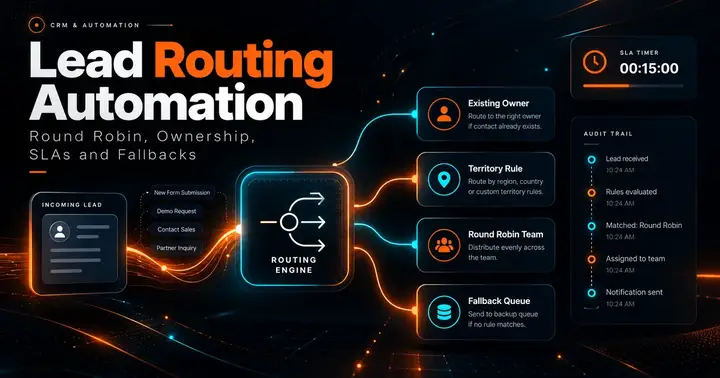
If no rule matches, the lead should enter a visible fallback queue rather than silently becoming unowned.
See Lead Routing Automation for implementation details.
Deduplication needs a hierarchy
There is no universal duplicate rule.
A practical hierarchy could use:
- Exact normalized email.
- Exact normalized phone number.
- Company domain plus contact name.
- Manual review for fuzzy matches.
Do not automatically merge records only because names look similar. Two people can share a name, and one person can use multiple business identities.
Define which fields win when a merge occurs.
For example:
- Keep the oldest original source.
- Keep the newest verified phone number.
- Preserve all activity history.
- Preserve the current owner unless a routing rule says otherwise.
Normalize data at entry
Cleaning records later is more expensive than normalizing them when they enter.
Examples:
- Lowercase email addresses where appropriate.
- Normalize phone numbers to a consistent format.
- Separate first and last name.
- Validate required fields before creating a record.
- Map campaign values into controlled naming conventions.
- Standardize country and state values.
Do not silently reject a lead because one optional field is malformed. Store the valid data and create a visible validation state when practical.
Use controlled values for reporting fields
Free text is flexible but difficult to report on.
Fields such as lifecycle stage, lead type, region, service interest and loss reason usually work better as controlled values.
Free text is still useful for notes and context.
A good CRM uses structured fields for dimensions you intend to count, filter or automate.
Preserve audit history
Important changes should be traceable.
At minimum, consider recording:
- Stage changes.
- Owner changes.
- Assignment source.
- Call and message activity.
- Proposal status.
- Important consent changes.
- Merge events.
Audit history is especially useful when multiple agents share workflows or when automation makes changes without a person clicking a button.
Build validation reports
Data quality should have its own dashboard.
Useful checks:
- Active leads without owners.
- Qualified leads without next actions.
- Duplicate emails.
- Invalid phone formats.
- Deals with no source.
- Closed lost records without a loss reason.
- Records stuck in one stage beyond an expected window.
These are operational alerts, not vanity metrics.
Keep automation idempotent
An automation should be safe if it runs twice.
For example, a workflow that creates a follow up task should first check whether an open task of that type already exists. Otherwise retries can create duplicate tasks and messages.
This is a data hygiene rule as much as an engineering rule.
Permissions are part of data quality
Not every user should be able to edit every field.
Sensitive fields such as source, ownership, financial value or compliance status may need role based control.
Read access and write access can be different. A team lead may need aggregated visibility without permission to change every underlying record.
Reporting depends on definitions
Before building charts, document the calculation.
Example:
Qualified leads this week could mean:
- Leads currently in Qualified stage, or
- Leads that entered Qualified stage during the week.
Those are different metrics.
Store enough event history to answer the question you actually care about.
A weekly CRM hygiene routine
Once per week:
- Review unowned active leads.
- Review duplicate candidates.
- Check stale qualified records.
- Inspect failed automations.
- Review records with missing source or next action.
- Sample recent merges.
- Confirm dashboards still match the field definitions.
Once per month, review whether any field is collected but never used. Removing unnecessary fields can improve completion and consistency.
Final checklist
A clean CRM should answer these questions immediately:
- Who owns this lead?
- Where did it come from?
- What stage is it in?
- What happened most recently?
- What is the next action?
- Is there another record for the same person or company?
- Can I explain how this dashboard count was calculated?
If the system cannot answer those questions consistently, more automation is premature.
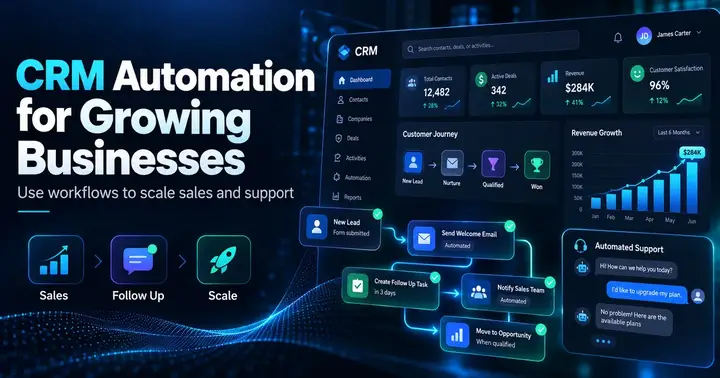
For a broader workflow view, read CRM Automation for Agencies and CRM and Automation for Growing Businesses.
Co-Founder of Strat IQ Digital and builder of CrawlerQue and Stratly Digital, based in West Palm Beach, FL. I work on AI products, SaaS, SEO intelligence, CRM automation and growth systems.