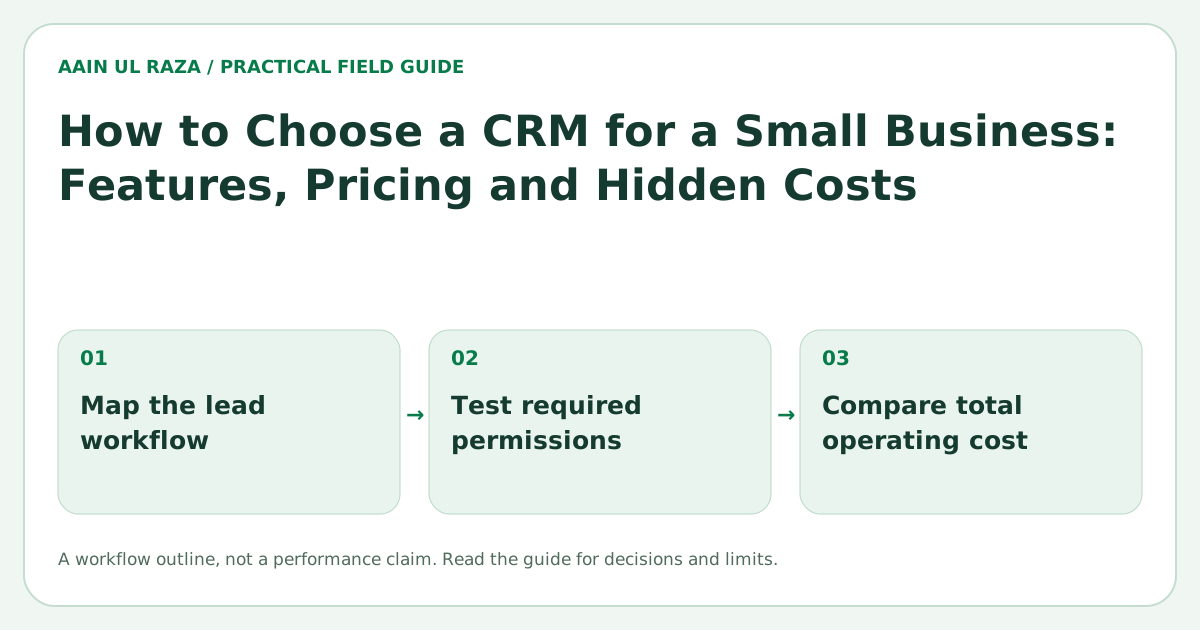
How to Choose a CRM for a Small Business: Features, Pricing and Hidden Costs
Learn how to compare CRM platforms using features, pricing, team permissions, integrations, scalability and hidden costs before you commit.
Updated · Sources, examples and corrections
A CRM can help a small business organize leads, manage sales, track follow ups and improve reporting, but only if the system actually matches how your team works. Many businesses pick a CRM based on brand popularity or a low entry price, then discover later that add ons, user limits, poor permissions or missing integrations make it more expensive than expected.
The goal is not to find the CRM with the most features. The goal is to find the CRM that fits your process, budget and team size without creating unnecessary complexity.
What a small business CRM should do
At a basic level, a good CRM should help you:
- Capture leads from forms, calls or imports
- Store contact and company records
- Track deal stages or service pipelines
- Assign ownership to the right team member
- Log activities and communication history
- Report on lead volume, conversions and team performance
If a CRM cannot do those basics clearly and reliably, extra AI or fancy dashboards will not save it.
Start with your real workflow, not the software demo
Before you compare tools, write down how your business actually works.
Ask:
- Where do leads come from?
- Who owns the first response?
- What stages do leads move through?
- What fields do you need to track?
- What reports matter every week?
- Which actions should be automated?
If you do this first, CRM selection becomes much easier. You stop choosing based on hype and start choosing based on fit.
The most important CRM features to compare
1. Contact and pipeline management
Make sure the CRM can handle:
- Contacts and companies
- Multiple pipelines if needed
- Custom fields
- Tasks and reminders
- Notes and activity history
- Filters and saved views
A simple sales team may only need one pipeline. A service business may need separate stages for sales, onboarding and delivery.
2. Automation
Automation is one of the biggest reasons to buy a CRM. Look for:
- Auto assignment rules
- Follow up reminders
- Status changes based on activity
- Email sequences or workflow triggers
- Integration with forms, calendars and messaging tools
The question is not just whether automation exists. The question is whether it is easy to control, audit and adjust.
3. Team permissions
This is often ignored until it becomes a problem. If you have multiple users, ask whether the CRM can:
- Restrict users to their own leads
- Give managers visibility without exposing everything
- Limit access by team, role or region
- Protect sensitive fields such as phone numbers or revenue
A CRM that lacks permission control may force you to reveal more data than you want.
4. Reporting
Good reports should help you answer questions like:
- How many new leads came in this week?
- Which sources convert best?
- How fast are leads being followed up?
- How many deals are stuck in each stage?
- Which rep or team is performing best?
Look for useful reports before you look for advanced charts. Clean basic reporting is usually more valuable than a flashy dashboard.
5. Integrations
Your CRM rarely works alone. Check whether it connects well with:
- Website forms
- Email tools
- Calendar tools
- Calling platforms
- Payment or proposal tools
- Help desks or support systems
- Automation platforms
The easier the integrations, the lower your long term maintenance cost.
How to compare pricing properly
CRM pricing can be misleading because the base plan may look cheap while the real working setup costs far more.
Compare the full cost, not just the entry plan
A small business should calculate:
- Cost per user
- Required add ons
- Automation feature access
- Reporting upgrades
- Storage or usage limits
- Implementation or migration cost
- Training cost
Example pricing comparison
| Cost area | CRM A | CRM B | CRM C |
|---|---|---|---|
| Base user plan | $15 | $29 | $49 |
| Automation access | Included | Extra $20 | Included |
| Advanced reporting | Extra $15 | Included | Included |
| Additional users | $15 each | $29 each | $49 each |
| Data migration help | Not included | One time fee | Included |
| Real monthly cost for 4 users | $120 | $156 | $196 |
The cheapest plan is not always the cheapest real option.
Hidden costs that catch small businesses
Here are the most common hidden costs:
Add ons
Features like automation, email sequences, custom reporting or calling may require higher tier plans.
Extra users
A platform may seem cheap for one person but become expensive when you add three or four more users.
Data migration
Importing old spreadsheets or moving from another system takes time and often needs cleanup.
Implementation time
If the CRM needs a lot of custom setup, your internal staff time becomes a real cost.
Poor usability
A confusing CRM leads to weak adoption. If your team stops using it, the software cost becomes waste.
Vendor lock in
Some systems make exporting data, changing workflows or moving away difficult.
How to judge scalability
A small business should not buy a huge enterprise platform too early, but you also do not want to outgrow the CRM in six months.
Look for a platform that can grow in these areas:
- More users
- More pipelines
- Better reporting
- Workflow automation
- Role based access
- API or integration support
You want room to grow, not a bloated system from day one.
A practical CRM selection checklist
Score each CRM from 1 to 5 on the following:
- Ease of use
- Contact and pipeline management
- Automation flexibility
- Team permissions
- Reporting quality
- Integration fit
- Total monthly cost
- Setup effort
- Scalability
- Support quality
Then compare the total, but also review your top two based on real workflow fit.
Common mistakes when choosing a CRM
- Choosing based only on price
- Buying too many features too early
- Ignoring permissions and security
- Underestimating migration effort
- Skipping a trial workflow test
- Forgetting how the team will actually use it
The best way to avoid mistakes is to run a small proof of concept. Create a few test records, build one simple pipeline and test reporting before making a final decision.
Build a requirements scorecard before demos
CRM demos are designed to make every platform look impressive. A requirements scorecard keeps the decision grounded. Create a simple table with your must have requirements in rows and each CRM in columns. Give higher weight to capabilities that directly affect revenue or adoption.
For example, a company with strict team separation may give permissions a weight of 5, while social media features receive a weight of 1. Another company may care more about calling, email automation or service delivery handoff. The scorecard should reflect your business, not a generic feature list.
Calculate total cost of ownership for 12 months
Do not compare monthly sticker prices alone. Calculate a 12 month total that includes users, add ons, migration and setup.
A useful formula is:
12 month CRM cost = subscription + add ons + implementation + migration + training + integration cost
Suppose a CRM is $25 per user per month and you need five users. That looks like $1,500 per year. If automation requires a $50 monthly add on, migration costs $800 and setup costs $1,200, the real first year cost becomes $4,100. A competing CRM at $35 per user may be cheaper overall if those capabilities are included.
Test the CRM with a real workflow
A free trial is most valuable when you simulate actual work. Do not spend the trial clicking through every menu. Instead, create ten realistic leads and run them from intake to closed won or closed lost.
Test whether your team can:
- Create a lead quickly
- See the correct owner
- Move the opportunity through stages
- Find communication history
- Trigger follow up tasks
- Run the weekly report you actually need
If these basic actions feel slow or confusing during a small test, they will become more painful with hundreds of records.
Think about data portability before you commit
A CRM should help you build an operational asset, not trap your customer data. Check how easy it is to export contacts, activities, notes and custom fields. Ask whether attachments and audit history can be exported too.
This does not mean you plan to leave the platform. It means you are treating your customer data as something your business must control over the long term.
Adoption is part of CRM value
A technically powerful CRM can still fail if the team avoids it. Evaluate how much training is needed and how many clicks common actions require. The best CRM is often the one your staff will consistently use, because complete data creates better automation and reporting.
A useful adoption target is not simply "everyone logged in." Track whether required fields are completed, follow ups are logged and opportunities are updated on time. Those behaviors show whether the CRM has become part of the actual operating process.
Evaluate security alongside feature lists
Before transferring contact records, verify access roles, exports and retention controls. FTC guidance supports handling customer information carefully; it does not independently endorse the vendors or price ranges discussed here.
Test export and recovery before signing
A CRM proof of concept should include leaving the system. Create synthetic contacts, deals, notes, owners and a custom field. Export them and check whether IDs, relationships and timestamps survive in usable files.
| Trial task | Evidence to keep |
|---|---|
| Import a duplicate | Merge or rejection decision with original record preserved |
| Reassign an owner | Audit history and expected notification |
| Restrict a role | Proof the restricted record is inaccessible |
| Export the pilot | Files that can reconstruct required relationships |
Separate an unavailable feature from one hidden behind a more expensive plan. Ask about account closure, backup access and data deletion in the vendor's current terms. The lowest subscription price may not be the lowest switching cost. Do not use real customer data merely to evaluate a trial account.
Further reference: FTC Start with Security guide.
Frequently Asked Questions
What is the most important CRM feature for a small business?
For most businesses, the most important features are clean contact management, simple pipeline tracking, reminders, automation and reporting.
Should I choose the CRM with the most features?
No. Too many features can create complexity. Choose the CRM that fits your process and team maturity.
How many users should I plan for?
Plan for your current team plus near term growth. Many businesses forget how quickly per user pricing increases.
Is migration from spreadsheets difficult?
It can be if the data is messy. The biggest issues are duplicates, inconsistent fields and missing ownership.
How long should I test a CRM before deciding?
A practical test of one to two weeks is often enough if you use real sample leads, a real pipeline and a few common team tasks.

Co-Founder of Strat IQ Digital and builder of CrawlerQue and Stratly Digital, based in West Palm Beach, FL. I work on AI products, SaaS, SEO intelligence, CRM automation and growth systems.