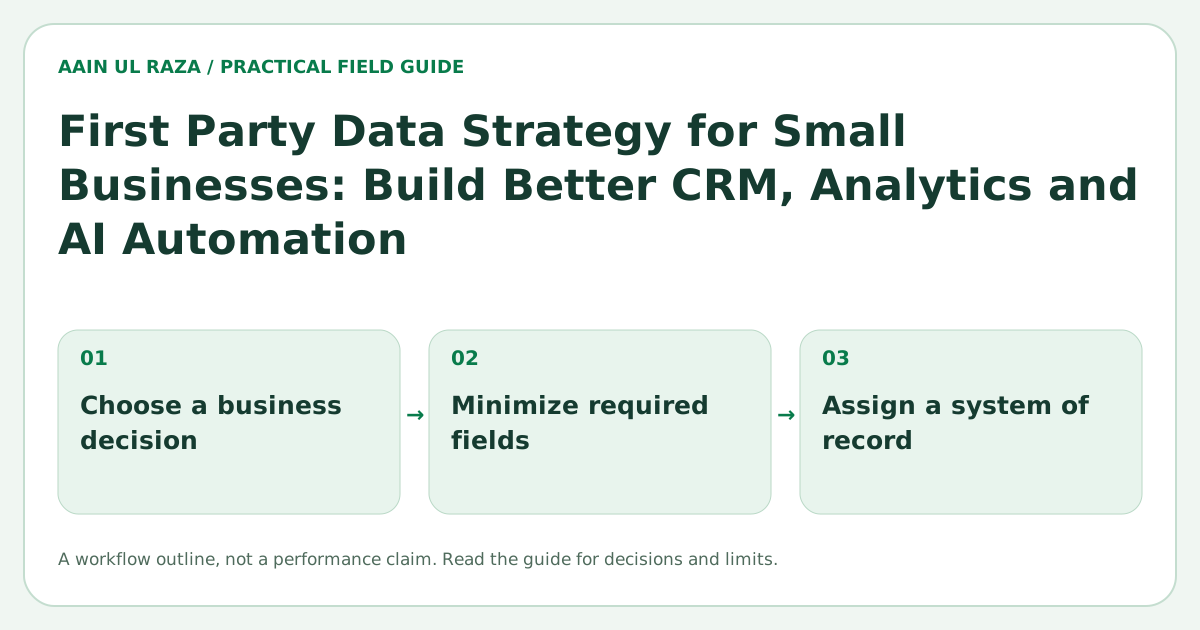
First Party Data Strategy for Small Businesses: Build Better CRM, Analytics and AI Automation
A practical first party data strategy for small businesses covering lead capture, CRM fields, consent, source tracking, identity resolution, analytics and AI automation readiness.
Updated · Sources, examples and corrections
Small businesses often think they need more data when the real problem is that the data they already collect is fragmented, inconsistent or impossible to trust.
First party data is information collected directly through your own customer relationships and systems. Examples include form submissions, purchases, CRM activity, support conversations, product usage, campaign responses and customer preferences.
A useful first party data strategy does not start with a warehouse. It starts by deciding what information the business needs to operate, measure and automate reliably.
Begin with business decisions
Do not collect a field because a CRM template includes it.
Ask which decisions the data should support.
Examples:
- Which leads should sales contact first?
- Which marketing sources create qualified opportunities?
- Which customers are at risk?
- Which service is most profitable?
- Which onboarding step causes drop off?
- Which support issues repeat most often?
- Which AI automations can act safely without asking a human?
Every important field should connect to a use case.
Create a small canonical customer model
Different tools often describe the same person differently.
Email software may call someone a subscriber. A CRM calls the same person a contact. Billing calls them a customer. Support calls them a requester.
Define a canonical model with a small set of core entities.
For many small businesses:
- Contact
- Company or account
- Lead or opportunity
- Customer
- Product or service
- Interaction
- Consent or communication preference
Each entity should have a stable ID inside the system of record.
This prevents automations from depending on names or other fields that can change.
Decide which system owns each field
A field should have one authoritative source whenever possible.
For example:
| Data | System of record |
|---|---|
| Contact email | CRM |
| Invoice status | Billing system |
| Campaign source | CRM or analytics pipeline |
| Product usage | Product database |
| Support ticket state | Help desk |
| Email consent | Consent or CRM record |
Copies can exist in other systems, but the team should know which source wins when values conflict.
The CRM Data Hygiene guide explains deduplication, lifecycle and ownership in more detail.
Standardize lifecycle stages
Lifecycle fields become useless when every user interprets them differently.
Define stages with entry and exit rules.
For example:
- New lead: created but not reviewed.
- Contacted: at least one valid outreach attempt.
- Qualified: meets documented fit criteria.
- Proposal: commercial offer sent.
- Won: deal accepted.
- Customer: onboarding or delivery started.
- Lost: opportunity closed without sale.
Do not use a single field to represent both lifecycle and task status. A lead can be qualified while the next action is still pending.
Capture source data once and preserve the original
Marketing attribution becomes unreliable when source fields are overwritten.
Store both first touch and current or latest touch when that distinction matters.
Useful fields include:
- First source.
- First medium.
- First campaign.
- Landing page.
- Referrer.
- Latest source.
- Sales entered source when digital tracking is unavailable.
Do not force every lead into a digital attribution model. Referrals, phone calls and offline relationships still need honest source categories.
Use validation at the point of capture
Cleaning bad data later is expensive.
Validate input as early as possible:
- Normalize email casing.
- Store phone numbers in a consistent format.
- Use controlled values for country and lifecycle fields.
- Prevent impossible dates.
- Require only fields that are genuinely necessary.
- Reject or flag obvious placeholder values.
Be careful with over validation. A form that asks for too much information can reduce completion and produce fake answers.
Build identity resolution rules
The same person may appear through a form, chat, purchase and support ticket.
Define how records are matched.
A practical hierarchy might be:
- Stable internal customer ID.
- Verified email.
- Verified phone number.
- A combination of company and contact details.
Avoid automatically merging records based only on a common name.
When the match is uncertain, create a review task rather than silently combining customers.
Track consent and communication preferences
Consent should not be inferred from the existence of an email address.
Store the communication preference separately from the contact record itself.
Useful fields can include:
- Email marketing status.
- Transactional communication eligibility.
- Consent source.
- Consent timestamp.
- Unsubscribe timestamp.
- Preferred channel.
The exact legal requirements depend on jurisdiction and use case, so businesses should obtain appropriate legal guidance. The data architecture should make compliance possible by preserving the evidence needed to honor preferences.
Make data quality measurable
Do not describe data as clean or messy without metrics.
Track measurable quality indicators such as:
- Duplicate rate.
- Missing required field rate.
- Invalid email or phone rate.
- Leads without an owner.
- Opportunities without a source.
- Records with conflicting lifecycle values.
- Stale records with no activity.
A simple weekly quality report can prevent months of reporting errors.
Design for AI automation after the data model is stable
AI works better when the surrounding data is reliable.
For example, a model can summarize a lead conversation, but the automation still needs deterministic fields for ownership, status, permissions and next actions.
Use AI where language and ambiguity are the problem. Use rules where the decision is exact.
A good workflow might use AI to extract intent from a message, then use structured CRM rules to decide routing.
The AI Automation Reliability Engineering guide covers validation, idempotency and fallback behavior for these systems.
Separate descriptive data from operational state
A common CRM mistake is storing operational state inside free text notes.
For example, call again next Tuesday should not only exist in a note. It should create a structured follow up task with a due date.
Keep descriptive context in notes, but represent actionable state with structured fields or tasks.
This improves reporting and automation reliability.
Build an event trail
Important changes should be traceable.
An event trail can record:
- Lead created.
- Source captured.
- Owner assigned.
- Lifecycle changed.
- Proposal sent.
- Consent changed.
- Customer converted.
- Record merged.
This history becomes useful for debugging automation, understanding conversion timelines and analyzing customer journeys.
Create a minimum useful dashboard
A small business does not need fifty charts.
A practical dashboard can include:
- New leads by source.
- Qualified rate by source.
- Opportunities by stage.
- Win rate.
- Average time between stages.
- Leads without an owner.
- Follow ups overdue.
- Data quality exceptions.
Each metric should support an action.
Use a data contract for integrations
When tools exchange data, define a simple contract.
For each field specify:
- Field name.
- Data type.
- Required or optional.
- Allowed values.
- Source system.
- Destination system.
- Update direction.
- What happens when the value is missing.
This prevents integrations from quietly changing meaning over time.
A practical 30 day rollout
Week 1: inventory
List systems, forms, spreadsheets and important fields. Identify duplicate sources of truth.
Week 2: standardize
Define core entities, lifecycle stages, source fields and validation rules.
Week 3: connect
Repair the highest value integrations. Add IDs and event logging where needed.
Week 4: measure
Create a quality report and a small operating dashboard. Only then expand automation.
The objective is not perfection. It is enough structure that teams and automations can make decisions confidently.
A consent and retention map for one real workflow
Start with a blank table containing data field, why collected, legal basis or consent record, where stored, who can access it, retention rule and deletion owner. For a website inquiry form, email address and inquiry content may be necessary; collecting a birth date or personal profile by default needs a separate justification.
Test the deletion process on a synthetic contact created solely for QA. Confirm that it disappears not just from the form database but also from connected exports and CRM queues, subject to applicable retention duties. Record exceptions rather than promising universal deletion. This worksheet is general operational guidance, not jurisdiction-specific legal advice.
Data minimization comes before enrichment
The FTC advises businesses to know what information they keep, retain only what is needed and dispose of data they no longer require. This is baseline security guidance, not legal advice or a statement that any particular consent flow satisfies every privacy law.
Distinguish deletion from suppression
A fictional enquiry system may need to remove an expired message while retaining a minimal, lawfully justified suppression record so it does not contact the same address again. Those are different purposes and should have different access and retention rules.
Map one workflow as collection → CRM → automation → backup → deletion or suppression. Assign an owner at every step. Test with synthetic data that deletion does not leave a readable copy in an integration log and that suppression is respected after a reimport.
The precise legal retention basis depends on the business and jurisdiction; this is an operational design example, not a legal determination. Use the FTC security guidance for practical data-minimization principles and obtain appropriate advice for legal obligations.

Co-Founder of Strat IQ Digital and builder of CrawlerQue and Stratly Digital, based in West Palm Beach, FL. I work on AI products, SaaS, SEO intelligence, CRM automation and growth systems.